
Free AI Story Generator Online
Make Stories, Edit Online with AI-Powered Editor
Template.net’s Free AI Story Generator transforms your prompt into compelling, editable stories for any genre or audience. Whether you're a writer, teacher, student, or content creator, generate stories instantly for blogs, books, educational materials, social media, or personal projects. Customize tone, pacing, character arcs, and genre, then download or share with ease.
Create Custom Editable Stories For Free
Everything you need to create unique, engaging stories for any genre, platform, or audience—editable, fast, and online.

Prompt-Based Story Creation
Type or speak your story idea, genre, characters, or plot conflict. The AI instantly generates a complete story with a beginning, middle, and end—ready for editing.

Editable Content and Tone
Revise pacing, dialogue, tone, setting, or character arcs. Adjust the narrative to match your creative goals using the intuitive editor.

Multiple Story Types Supported
Create short stories, serial fiction, bedtime tales, flash fiction, marketing stories, or creative content for social media—tailored to your specific needs.

AI-Suggested Plot Enhancements
Receive automated suggestions for plot twists, character development, story arcs, and vivid descriptions that bring your narrative to life.

Multilingual Story Output
Generate editable stories in English, Spanish, Hindi, Chinese, Arabic, Portuguese, Bengali, Russian, Japanese, French, German, Korean, Italian, Turkish, Vietnamese, Urdu, Persian, Polish, Thai, or Punjabi.

Flexible File Exports
Download your final story in PDF, DOCX, or TXT format. Perfect for editing, sharing, printing, publishing, or submitting for review.

Real-Time Collaboration Tools
Share your draft using a link or QR code. Collaborate with co-authors, editors, or instructors in real time with instant editing access.

Drag-and-Drop Section Editing
Move story parts—like intro, scenes, or dialogue—using the drag-and-drop editor. Rearrange flow or pacing without losing structure.

Perfect for All Storytellers
Whether you're a fiction writer, marketer, educator, or creative student, this tool adapts to every storytelling format and project scope.
How to Generate a Free AI Story in 3 Easy Steps
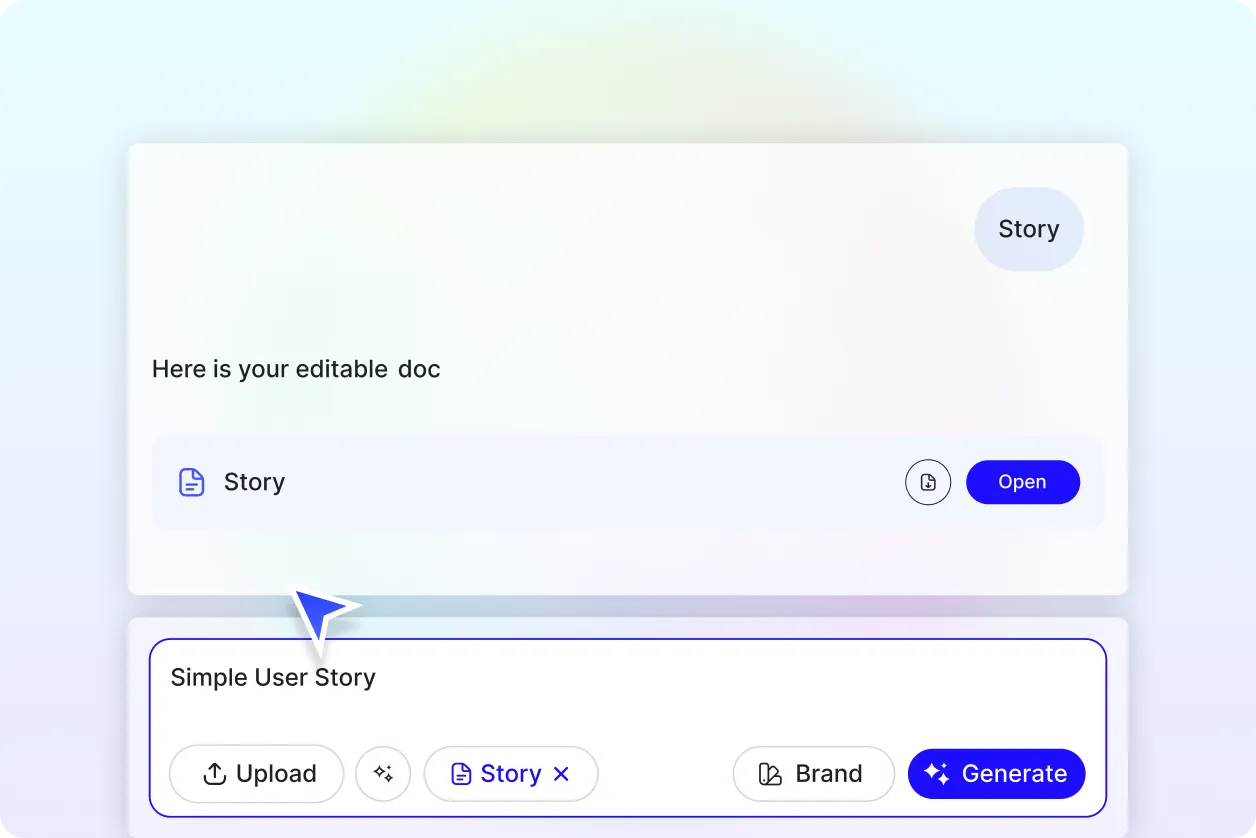
Template.net’s AI Story Generator helps you write full stories instantly—no sign-up required. Just describe your idea, refine with smart tools, and download in seconds.
Step 1: Enter Your Prompt
Describe your story—such as “mystery set in a haunted mansion” or “funny story about a talking dog.” Include genre, characters, or setting to enhance results.
Step 2: Customize Your Story
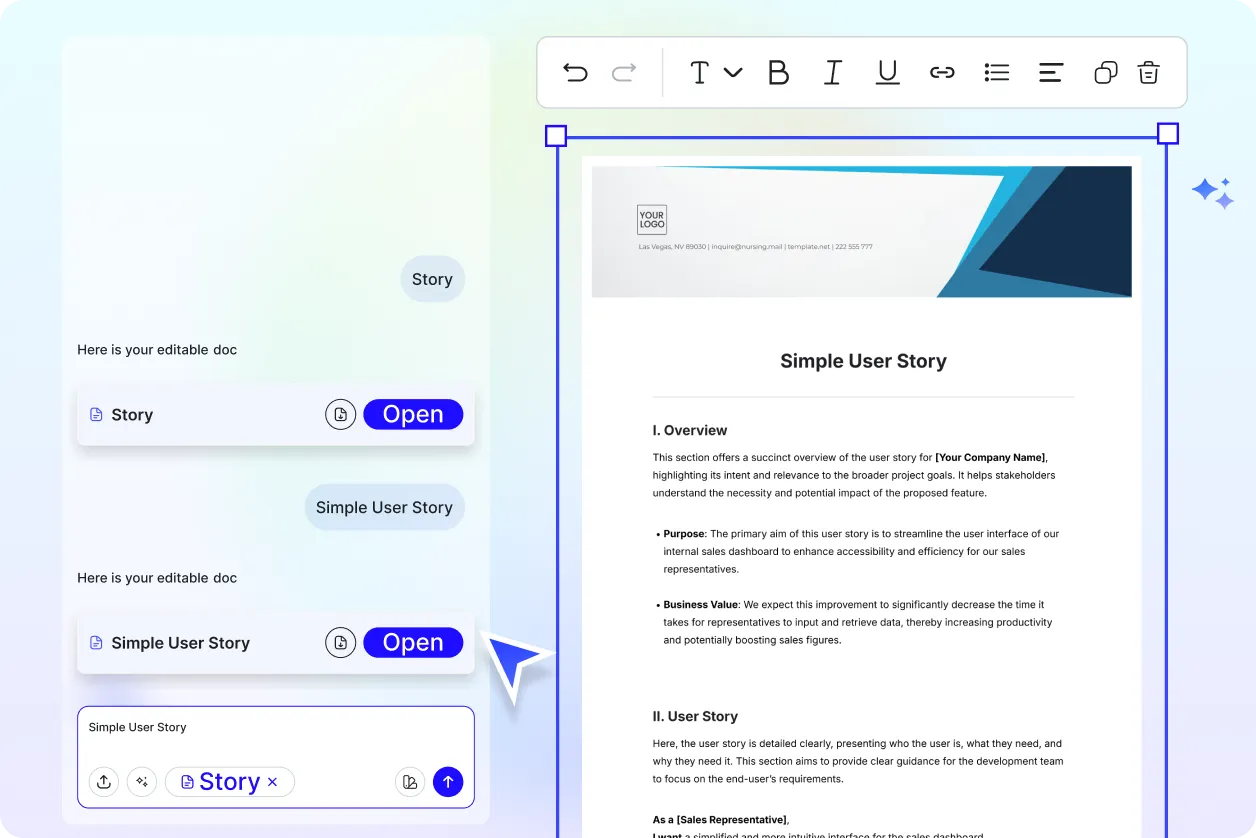
Edit directly in the AI-powered editor. Adjust tone, expand dialogue, add new scenes, or rearrange sections using drag-and-drop.
Step 3: Download and Share Anywhere
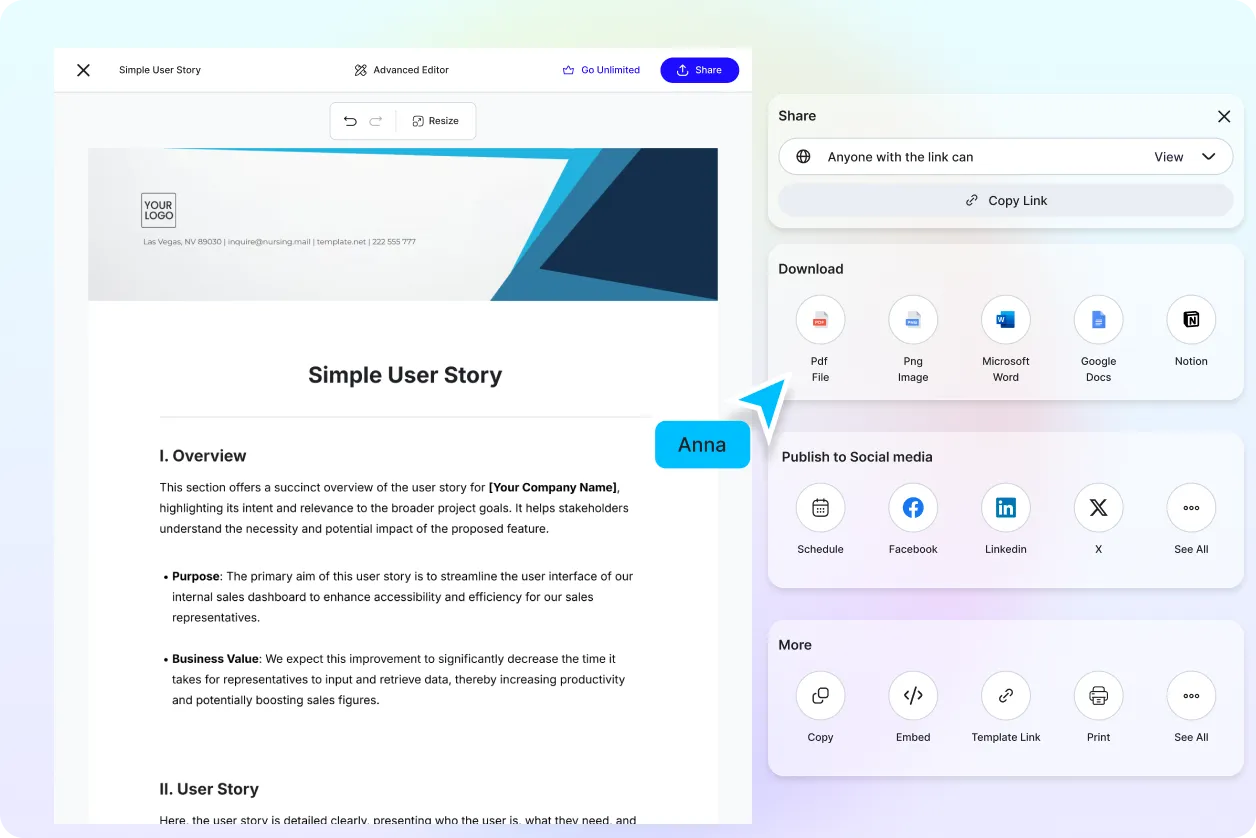
Export your story in PDF, DOCX, or TXT format. Share via link, QR code, or post to social media. Your story is ready to publish or review.
Create Your Story in Seconds and Inspire Imagination
Tell Stories That Resonate
Generate fiction that fits your voice—fun, thrilling, heartfelt, or professional. Build immersive plots or explore new creative angles effortlessly.
Create Stories Across Genres and Audiences
From children’s bedtime stories to suspenseful thrillers or educational fables, AI adapts to your goals and audience type.
Manage All Your Narratives in One Place
Organize short stories, novellas, and creative pieces by genre, purpose, or audience in a secure, editable workspace.
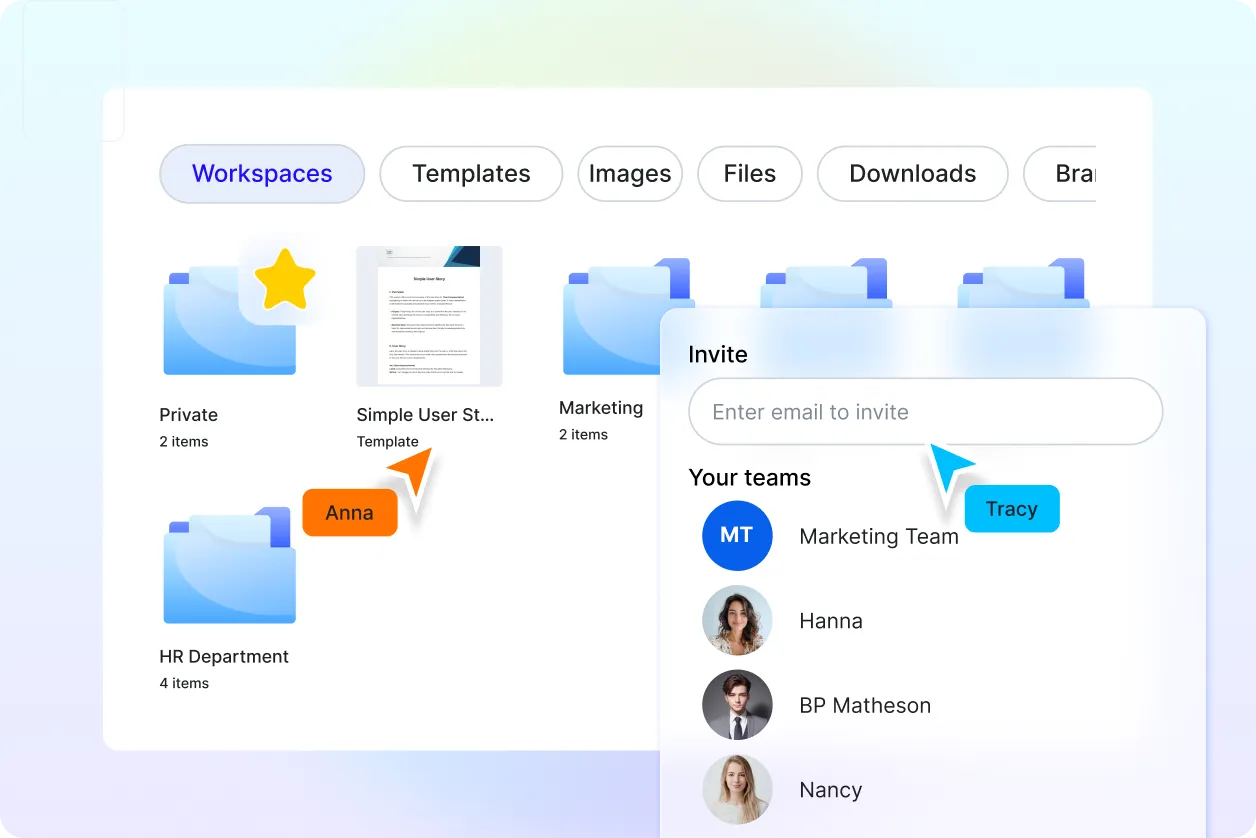
Collaborate and Publish with Confidence
Share drafts with beta readers, classmates, or content teams. Polish your story, gather input, and finalize it for blogs, newsletters, or publication.
Story FAQ
What is a story?
A story is a structured narrative that conveys ideas, emotions, or experiences through characters, events, and settings. Stories are used in fiction, education, branding, entertainment, and communication to engage audiences and share messages.
How does the AI Story Generator work?
Template.net’s Free AI Story Generator transforms your prompt—such as a theme, genre, or character idea—into a complete narrative. You’ll receive a structured story with editable content you can personalize and export.
What kinds of stories can I create?
You can create:
Short stories and flash fiction
Serialized fiction and full-length novels
Children’s bedtime stories
Brand and marketing storytelling
Educational or social media narratives
What file formats can I export stories in?
Stories can be downloaded in DOCX, PDF, or TXT format suitable for publishing, submission, or professional sharing.
Can I write stories in other languages?
Yes. Template.net’s AI Story Generator supports over 20 languages, including English, Spanish, Hindi, Chinese, Arabic, Portuguese, Bengali, Russian, Japanese, French, German, Korean, Italian, Turkish, Vietnamese, Urdu, Persian, Polish, Thai, and Punjabi.
Can I collaborate with others on a story?
Absolutely. Share your draft via link, QR code, or email to receive real-time feedback, edits, or contributions from co-writers, editors, or instructors.
Is the AI Story Generator free to use?
Yes. You can generate, edit, and download stories completely free—no signup required.
